
The $1 trial gives you 7 days of full access to either QuantWheel GEX or QuantWheel PRO. Pick the plan on the pricing page, enter your card, and the trial activates immediately. On day 8, the plan renews at its standard rate unless you cancel first.
Before you start
Required:
- A valid credit or debit card. We charge $1 upfront to verify it.
- 3 minutes.
Time to complete: 3 minutes
Steps
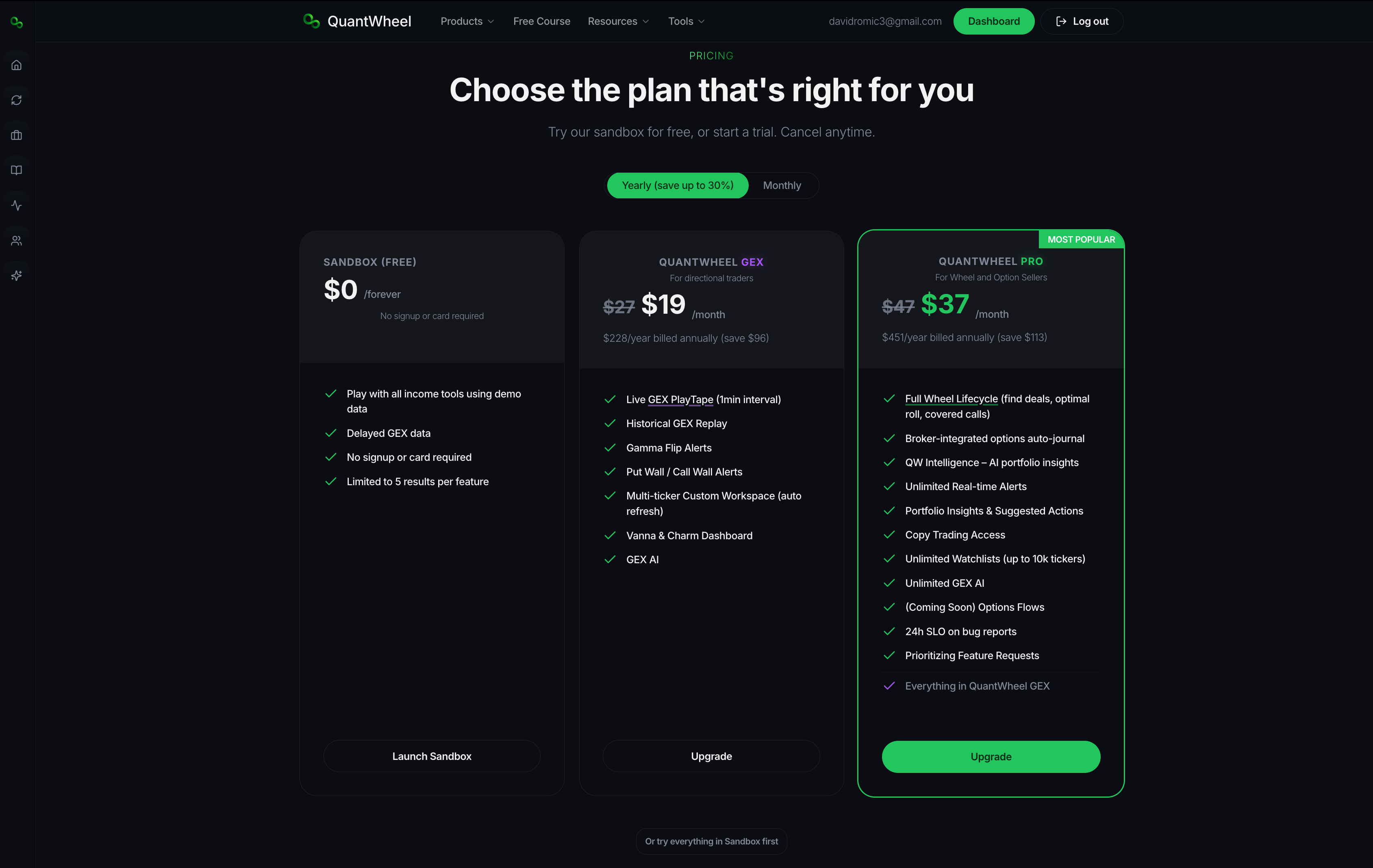
- Go to quantwheel.com/pricing. Set the Monthly/Yearly toggle to the billing cadence you want. Yearly saves about 30%.
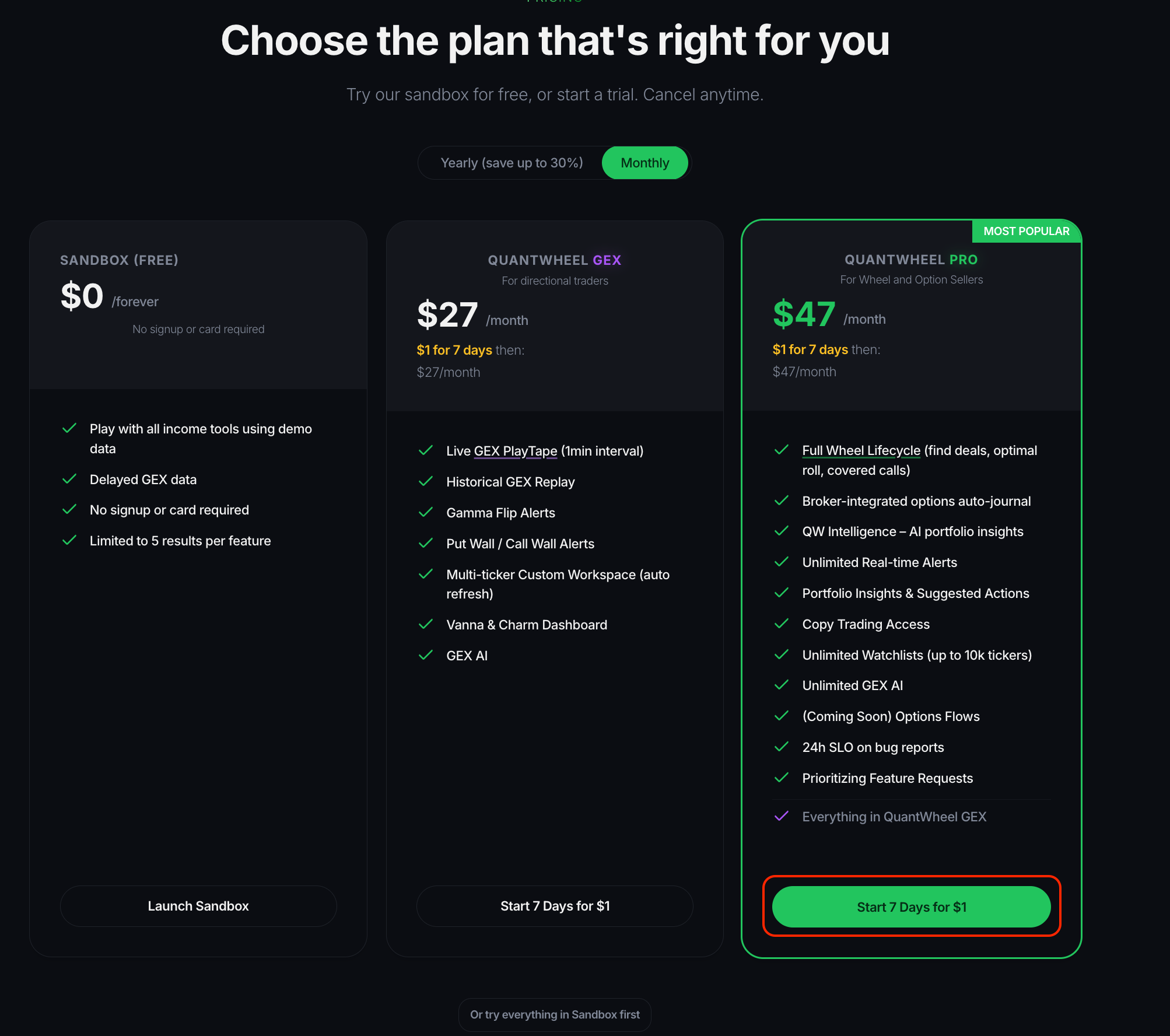
Click Start 7 Days for $1 on either QuantWheel GEX or QuantWheel PRO. If you're running the wheel strategy and want broker auto-journal, choose PRO. Otherwise see Understanding QuantWheel plans.
Enter your email, set a password, and enter your card details. The $1 charge and the renewal date (day 8) are shown on the checkout page before you confirm.\
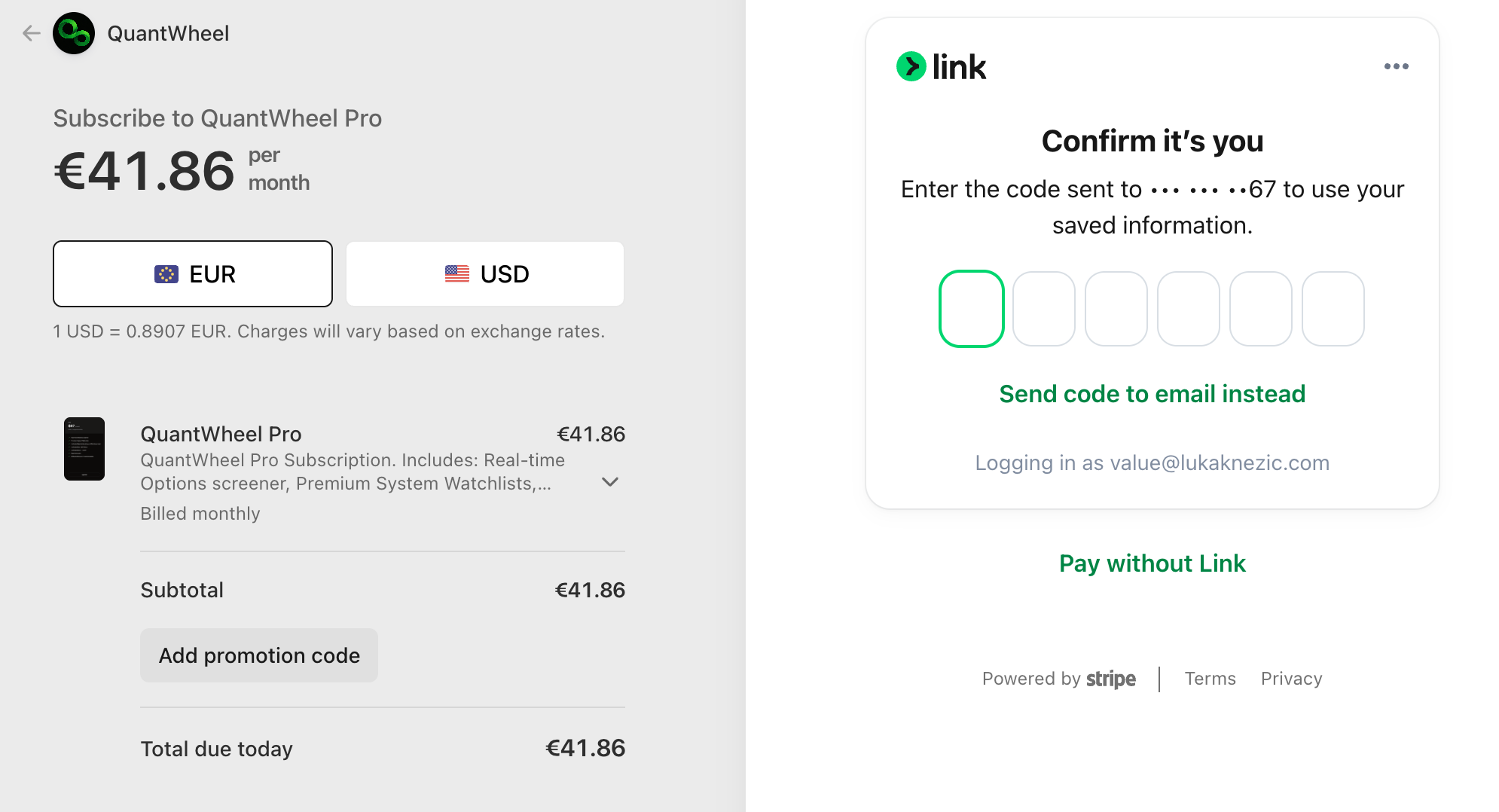
Click Start Trial. You're redirected to the Action Center with no limitations in QuantWheel.
Connect a broker to make the trial useful. See How to connect your first broker and see your positions.
Common issues
When am I charged the full price?
On day 8 of the trial, unless you cancel before then. The exact renewal date is shown at checkout and again in Settings → Billing.
Can I switch between GEX and PRO during the trial?
Yes. Go to Settings → Billing and click Switch to QuantWheel PRO (or GEX). Switching takes effect immediately. The trial continues from the original start date, not a reset one.
What if I cancel before day 8?
You keep access until the end of the 7 days. The $1 is not refunded — it's a verification charge, not a deposit. No further charges happen.
Can I start a second trial later?
Trials are designed to be one per account. If you need an extended evaluation, contact support from the Help link in the top bar.
Do I need to connect a broker during the trial?
No. The trial works without a broker, but the full value of PRO (auto-journal, portfolio insights, Real Cost tracking) depends on having a broker connected. We recommend connecting one during the first session.