
The onboarding tour is an in-app walkthrough that introduces the 4-tab Wheel workflow: Active Wheels, Find Deals, Roll, and Covered Calls. You can replay it anytime from Settings.
Before you start
Required:
- A QuantWheel account. The tour is available on every plan, including the Sandbox.
Time to complete: 2 minutes to restart, plus a few minutes to watch the tour itself.
Steps
- Click the gear icon in the top bar on the right hand side to open Settings.
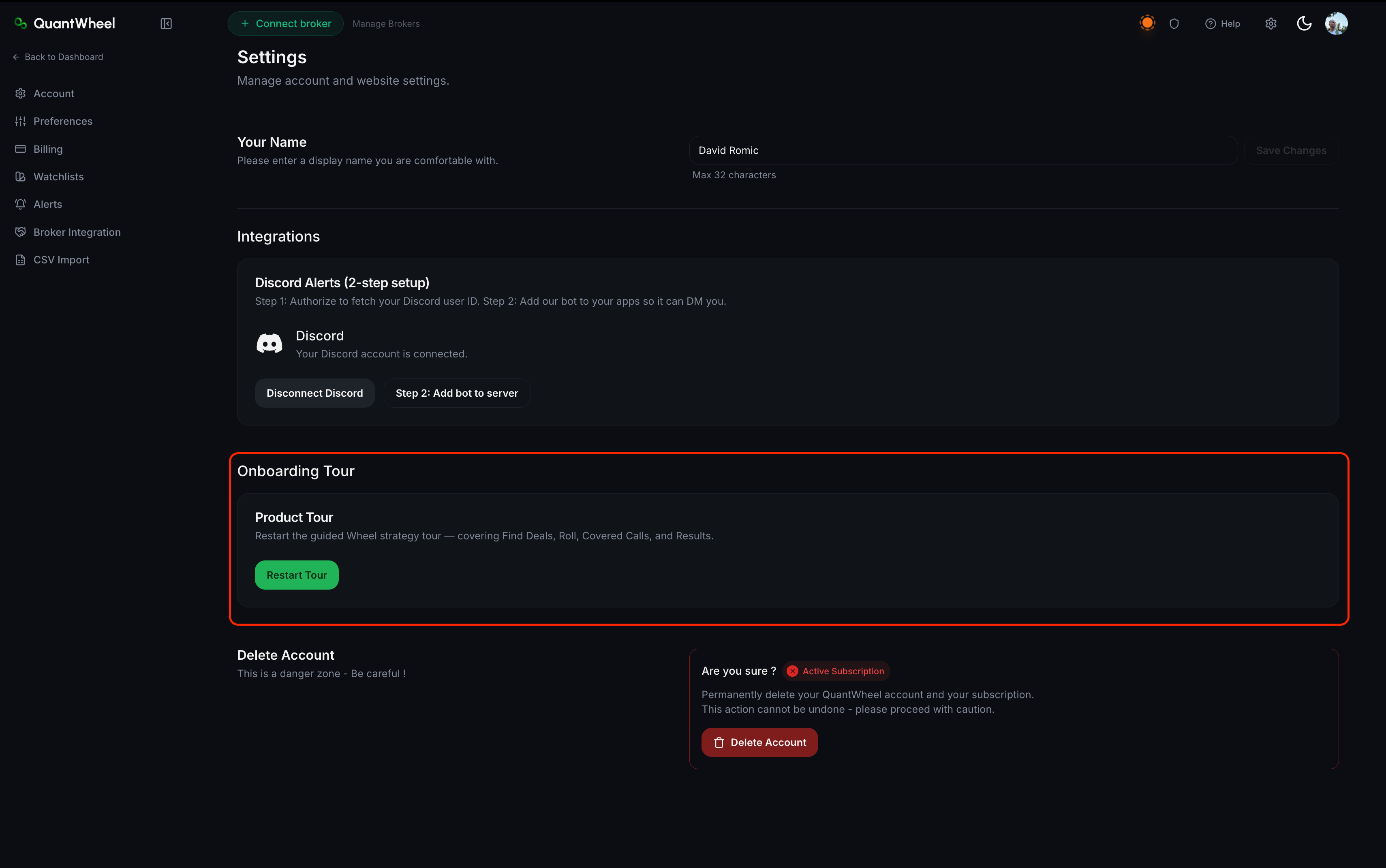
- Open Account in the Settings sidebar. Scroll to the Onboarding Tour section. Click Restart Tour.
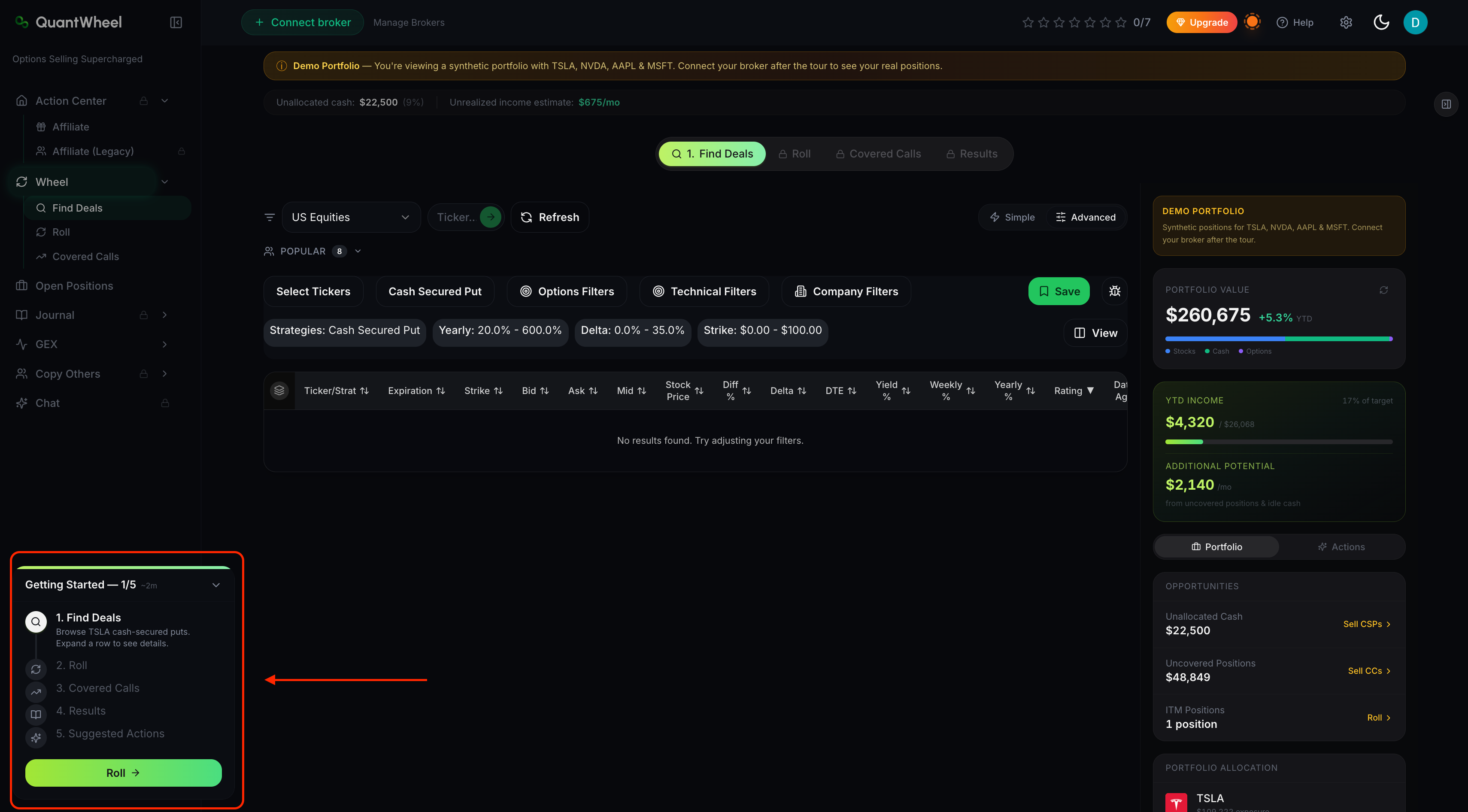
- The tour starts from the first step. Use the on-screen controls to move between steps or exit.
Common issues
The tour doesn't start after I click Restart Tour.
Refresh the page. If the tour still doesn't trigger, your browser may be blocking the in-app overlay - disable any active ad blocker or content-blocker extension on quantwheel.com and try again.
Can I restart just one part of the tour?
Not today. The Restart Tour button replays the full walkthrough from the beginning. You can click through or skip steps you've already seen.
The tour references a tab I don't see in my sidebar.
The sidebar shows shortcuts for Find Deals, Roll, and Covered Calls. Open any Wheel page and use the tab bar at the top of the Wheel screen to reach the Active Wheels tab.