QuantWheel tools

Free Options Trading Tools

Use QuantWheel's free options trading tools to measure gamma exposure, compare max pain, model strategies, plan wheel trades, evaluate rolls, and track cost basis. Choose the job you need, open the tool, and follow the inputs shown on its page.

Free options tools

Browse Tools

Start with what you need to understand. Each tool page explains the inputs, the output, and the limits of the calculation.

4 free tools

Market positioning

Review options positioning, expiration structure, and earnings expectations before you plan a trade.

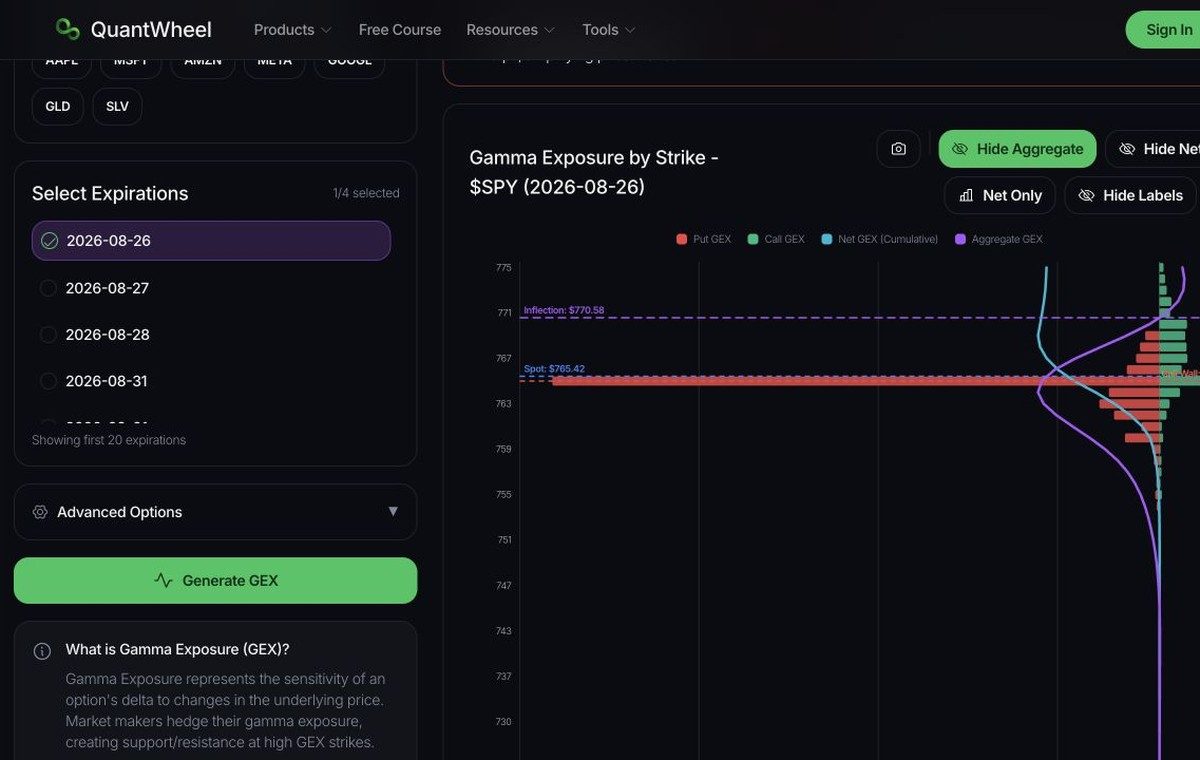
QuantWheel GEX Calculator with ticker search, expiration controls, and gamma exposure chart

Free GEX Calculator

Calculate modeled gamma exposure by strike across selected expirations.

  • Model gamma exposure across option strikes
  • Compare one or more expiration dates
  • Review call wall, put wall, and gamma flip levels

Use when you want a strike-level GEX profile.
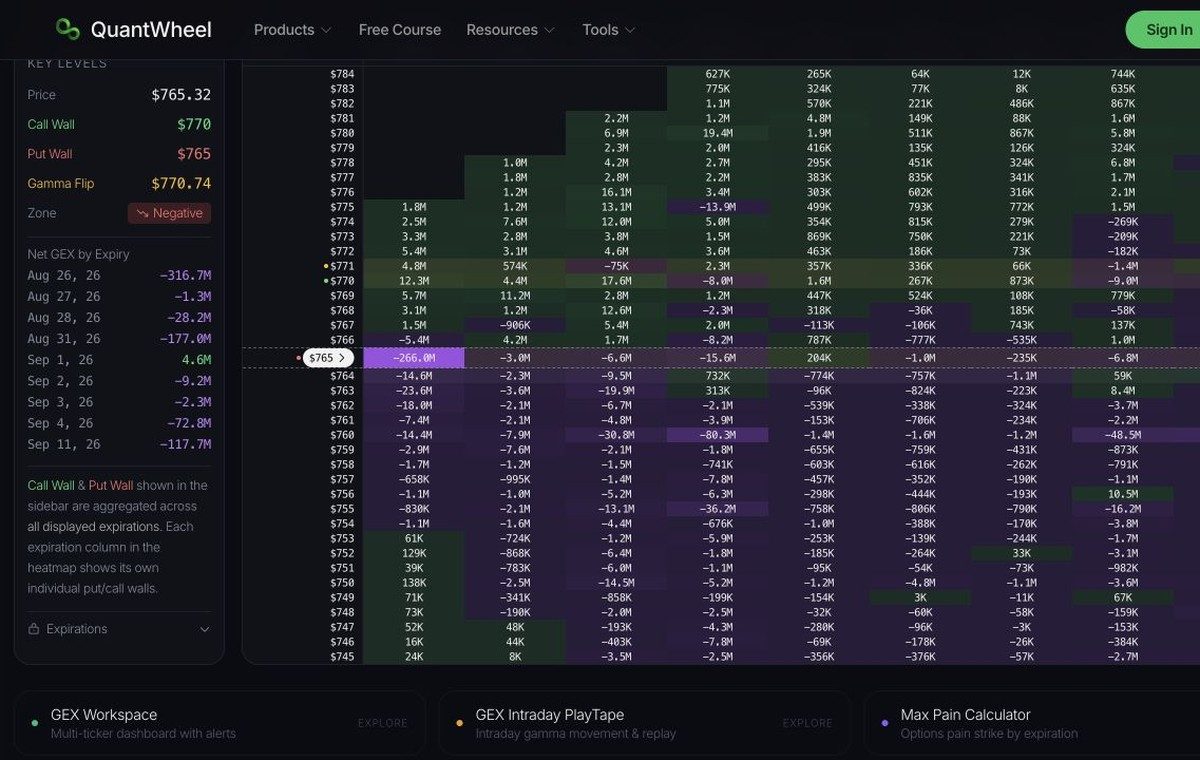
QuantWheel GEX Heatmap interface for comparing gamma exposure by strike and expiration

Free GEX Heatmap

Compare modeled gamma exposure across strikes and expirations in one grid.

  • See gamma exposure by strike and expiration
  • Compare positive and negative gamma concentrations
  • Review call wall, put wall, and gamma flip context

Use when the expiration breakdown matters.

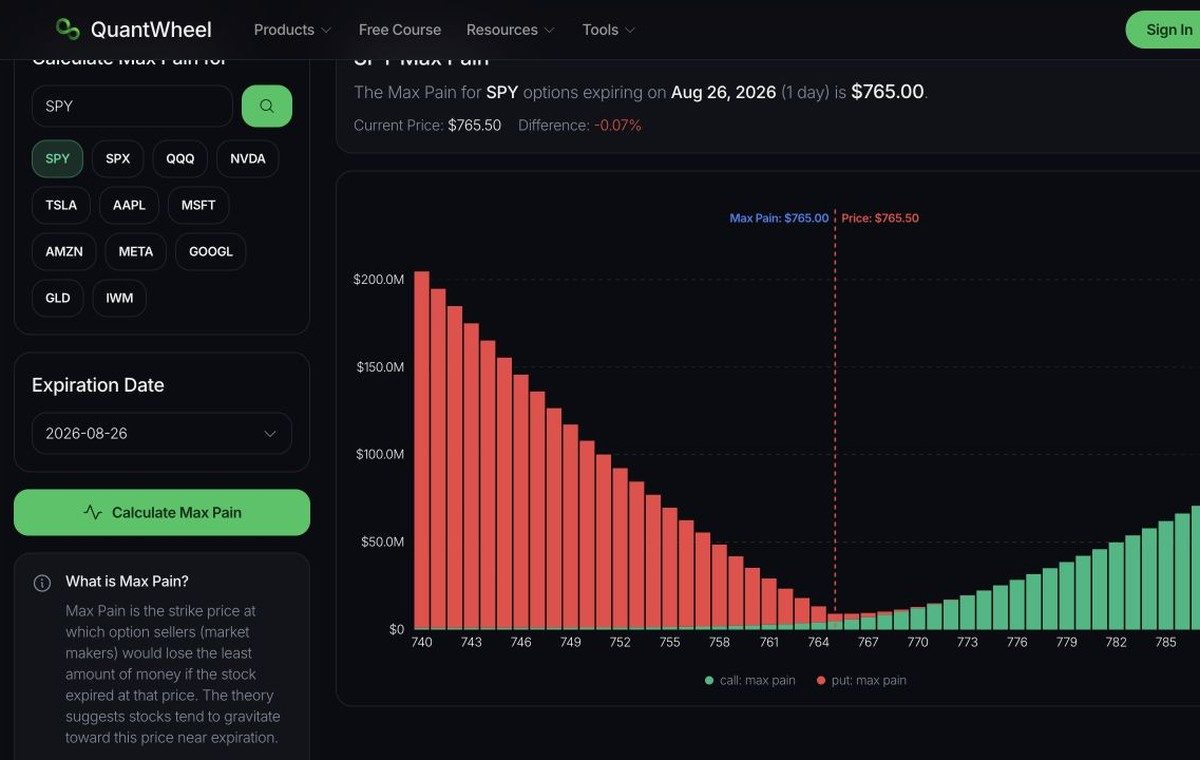
QuantWheel Max Pain Calculator with ticker search and expiration analysis panel

Free Max Pain Calculator

Find the candidate strike with the lowest combined call and put intrinsic value.

  • Calculate max pain for a selected ticker
  • Choose the options expiration to compare
  • Review call, put, and combined payout values

Use when you are comparing one options expiration.

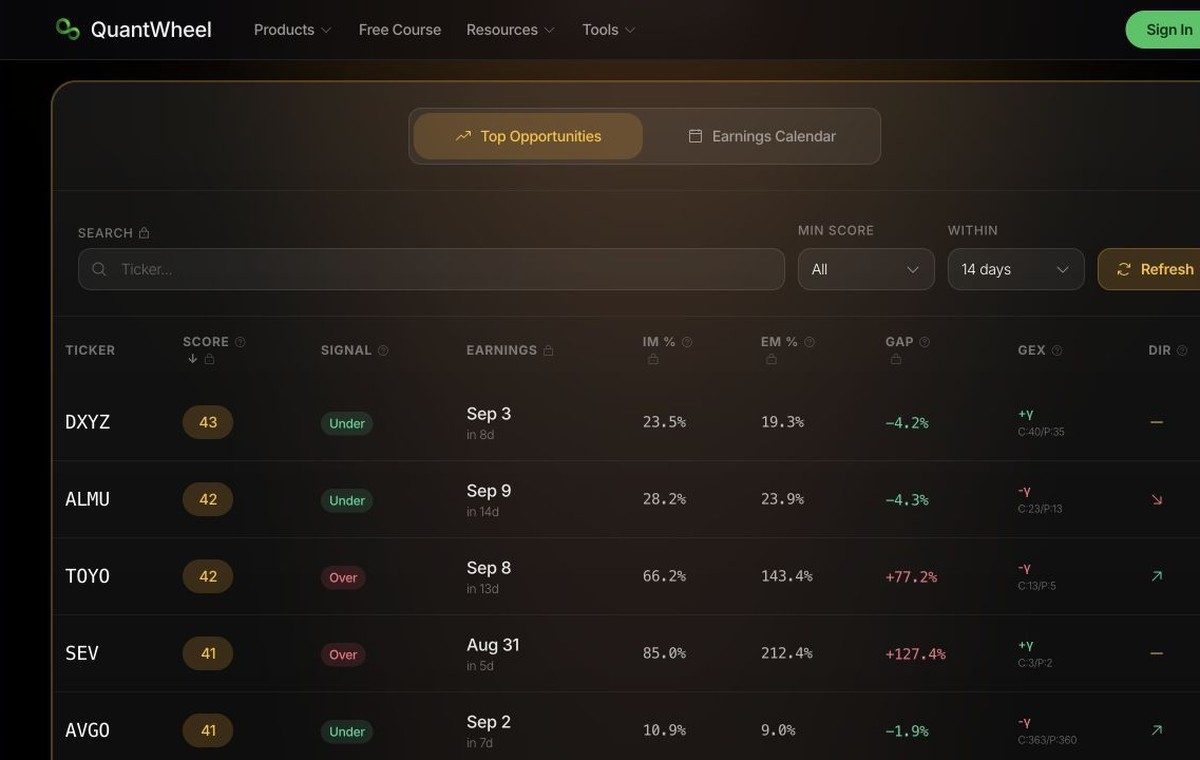
QuantWheel Earnings Expected Move Scanner with opportunity filters and earnings calendar

Free Earnings Expected Move Scanner

Compare options-implied earnings moves with historical earnings behavior.

  • Compare implied and historical earnings moves
  • Filter candidates by score and earnings window
  • Switch between opportunities and the earnings calendar

Use when you are preparing for an earnings event.

3 free tools

Options planning

Model a position, compare structures, and evaluate a possible roll before acting.

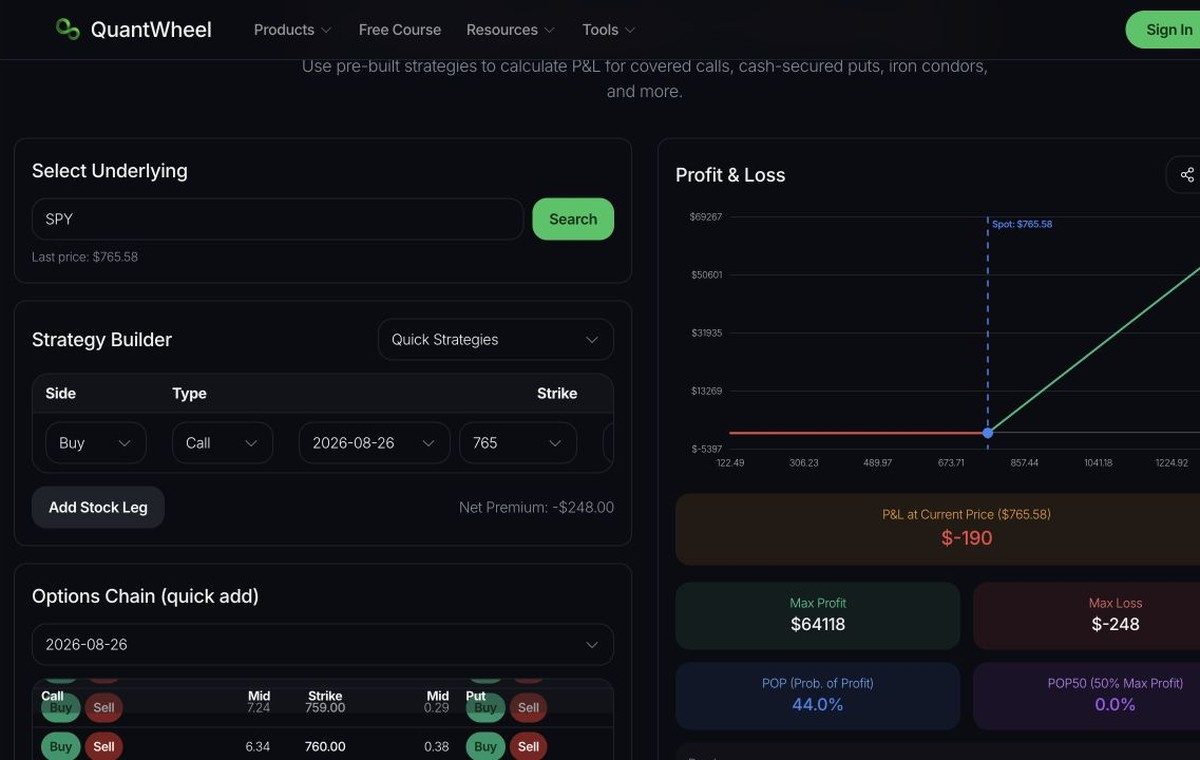
QuantWheel Options Profit Calculator with strategy builder, option chain, and profit and loss panel

Free Options Profit Calculator

Model option value, Greeks, breakevens, and profit or loss across prices.

  • Build single-leg and multi-leg positions
  • Add contracts from the option chain
  • Review profit, loss, breakeven, and position metrics

Use when you want to test a position before trading.

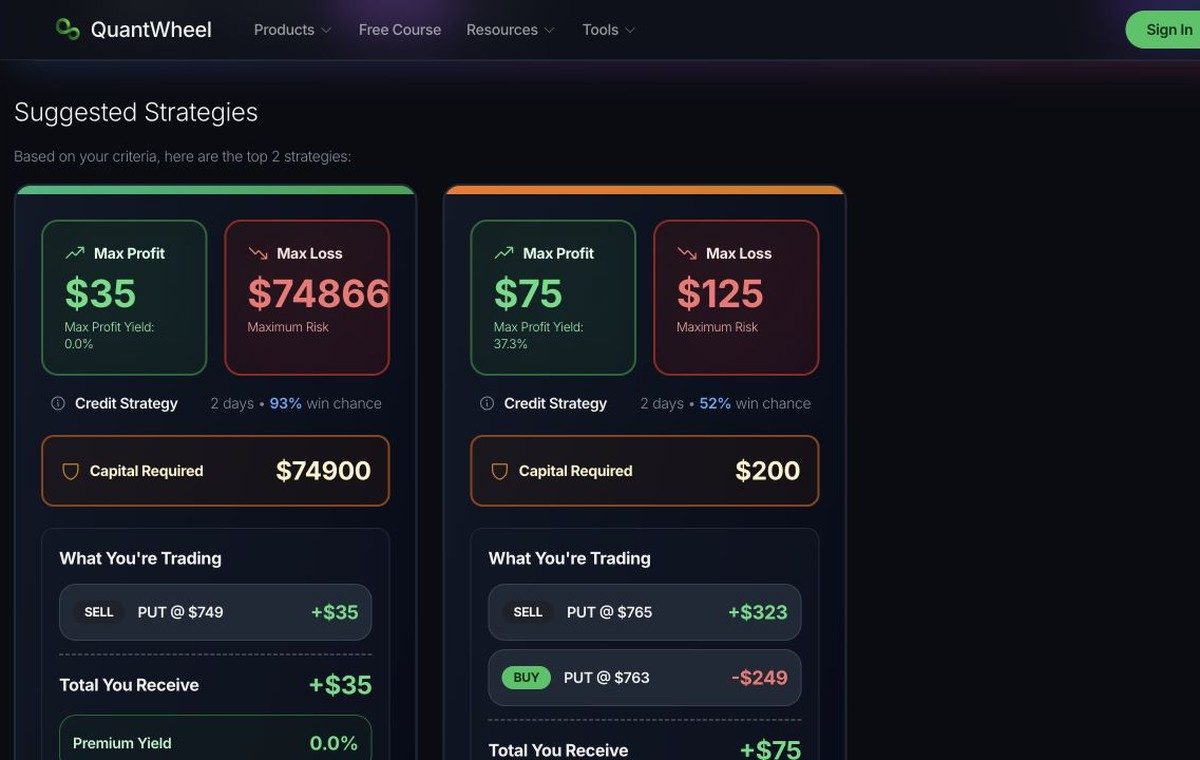
QuantWheel Options Strategy Explorer with market outlook, ownership preferences, and suggested strategies

Free Options Strategy Explorer

Build and compare multi-leg option structures with a visual payoff view.

  • Describe your ticker and directional outlook
  • Include stock ownership and assignment preferences
  • Compare suggested options strategy structures

Use when you are choosing between strategy structures.

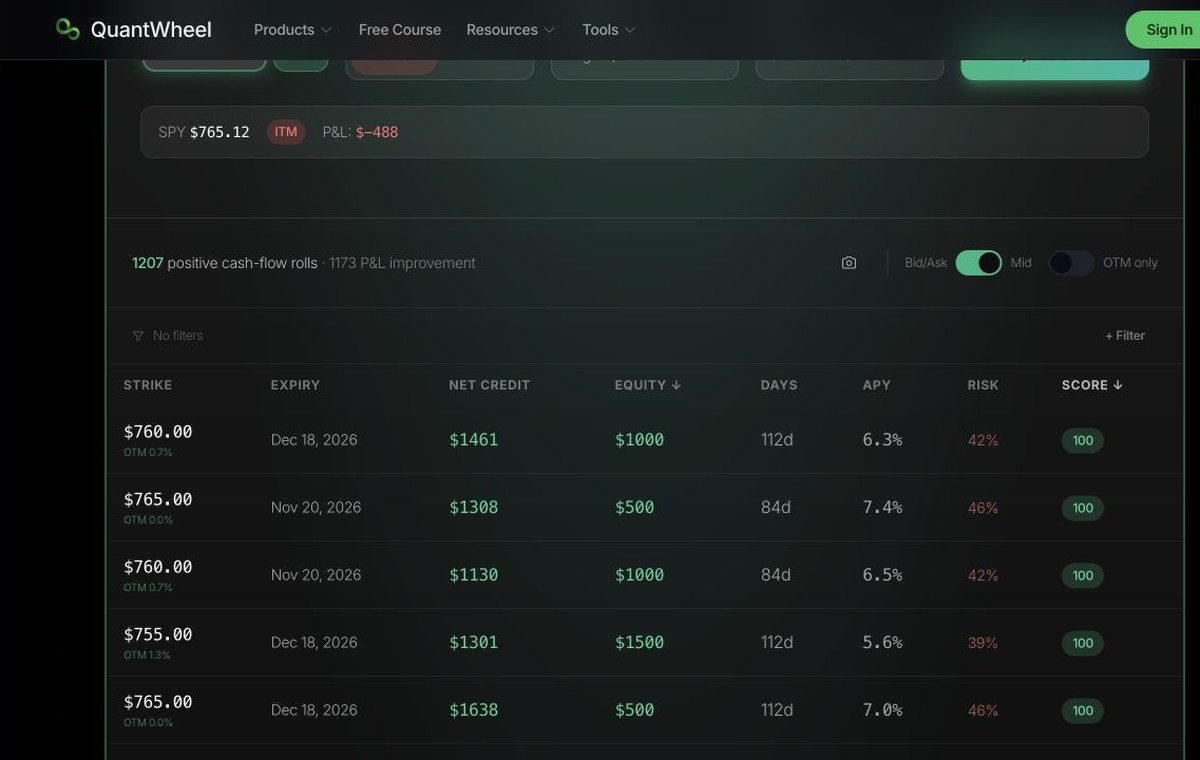
QuantWheel Optimal Roll Calculator comparing strike and expiration combinations for an existing option

Free Optimal Roll Calculator

Compare roll opportunities for an existing options position.

  • Enter the ticker, strike, and expiration you hold
  • Compare possible strikes and expiration dates
  • Review net credit, duration, and roll tradeoffs

Use when you are deciding whether and where to roll.

3 free tools

Wheel and position management

Plan cash-secured puts, understand assignment, and keep your position economics clear.

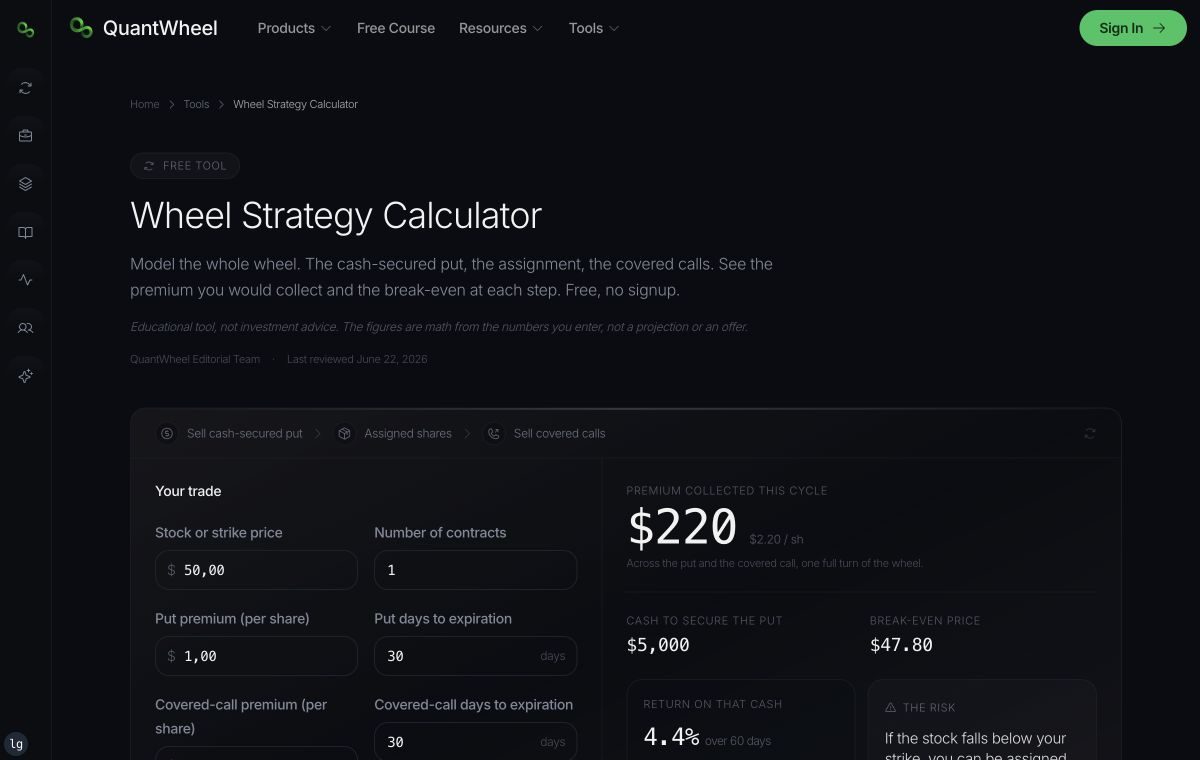
QuantWheel Wheel Strategy Calculator showing premium, cash required, breakeven, and assignment steps

Free Wheel Strategy Calculator

Estimate premium, breakeven, assignment, and covered-call scenarios for the wheel.

  • Model the put, assignment, and covered-call cycle
  • See premium collected and cash required
  • Review breakeven and return comparison figures

Use when you are planning the complete wheel sequence.

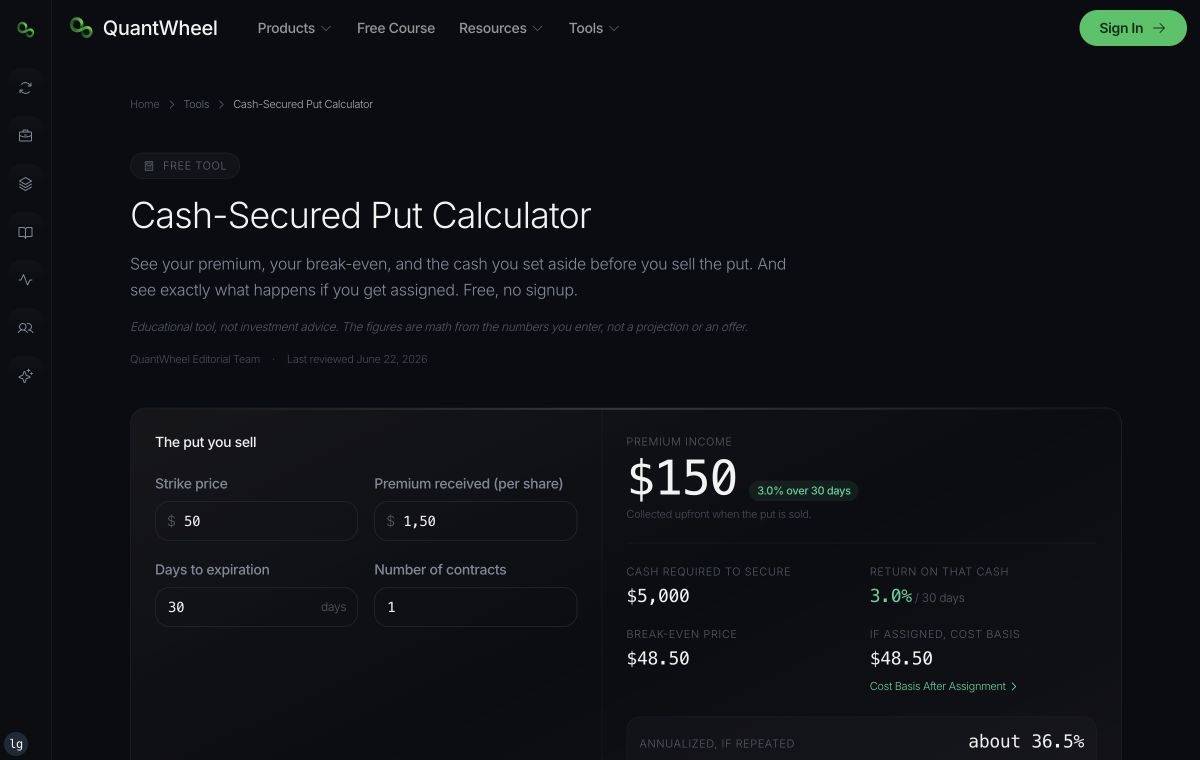
QuantWheel Cash-Secured Put Calculator showing premium, cash required, breakeven, and assignment outcomes

Free Cash-Secured Put Calculator

Calculate premium, breakeven, cash required, and assignment economics.

  • Enter strike, premium, contracts, and expiration
  • Calculate cash required and premium collected
  • Review breakeven and assignment outcomes

Use when you are evaluating a cash-secured put.

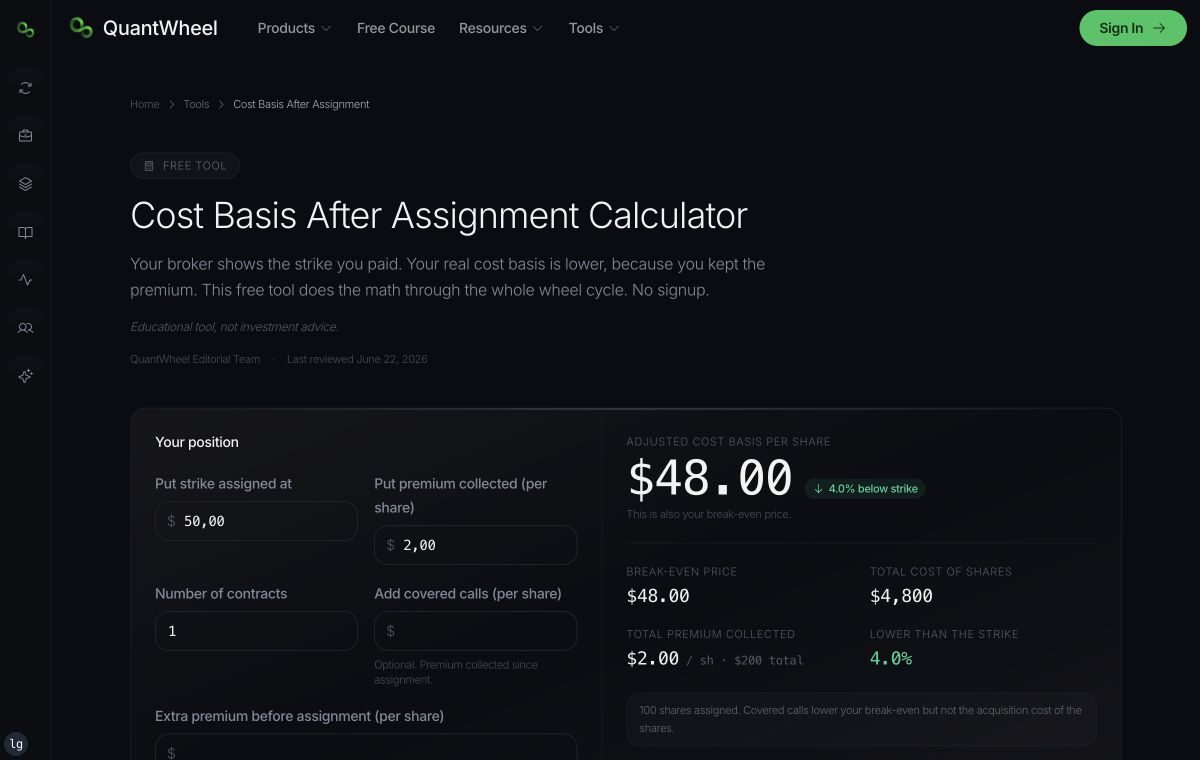
QuantWheel Cost Basis Calculator for assigned shares, option credits, and adjusted breakeven

Free Cost Basis Calculator

Track adjusted stock cost basis after option premium and assignment.

  • Enter assignment price, shares, and option credits
  • Include put rolls and covered-call premiums
  • See adjusted per-share and total cost basis

Use when you need the true economics of an assigned position.

Ticker and tool pages

Ticker Pages

Open a tool for a specific ticker when you already know the symbol and the analysis you want. Only combinations with a supported tool result are eligible for publication.

Clear access rules

Start free and see the limit before you calculate

Every tool listed here has a free starting point. Some tools have daily calculation limits, account requirements, or paid features.

The individual tool page is the source of truth for its current access. QuantWheel does not describe a tool as unlimited unless the linked destination actually provides unlimited access.

Learn the concepts

Review the mechanics behind gamma, options Greeks, and the wheel strategy before using the related tools.

Questions

Free options trading tools FAQ

What are the best free options trading tools?

The best free options trading tool depends on the decision you need to review. Useful choices include GEX and Max Pain tools for options positioning, profit and strategy calculators for trade planning, and wheel, roll, and cost-basis calculators for position management. Every QuantWheel tool listed here has a free starting point.

How do I calculate options profit and loss before a trade?

Enter the ticker, option type, strike, expiration, premium, and number of contracts in an options profit calculator. QuantWheel then models the position's value, breakeven, Greeks, and profit or loss across different prices. The result is an estimate and can differ from the price at which a trade is executed.

How do I compare options strategies for a stock?

Start with the stock, your directional outlook, and any share-ownership or assignment preferences. The QuantWheel Strategy Explorer can suggest structures to compare, while the Options Profit Calculator lets you model selected legs and review their payoff. A comparison supports analysis but does not determine which trade is suitable for you.

What is gamma exposure and how do I find it for a stock?

Gamma exposure, or GEX, estimates how option delta may change as the underlying price moves. Enter a ticker in the QuantWheel GEX Calculator, choose one or more expirations, and generate the strike-level chart. GEX is modeled from listed options data and is not a direct observation of dealer inventory.

What is a GEX heatmap and how is it different from a GEX chart?

A GEX chart shows modeled gamma exposure across strikes for the expirations you select. A GEX heatmap separates that exposure by both strike and expiration, making it easier to compare where gamma is concentrated across the expiration structure. Both views use modeled options data and should be interpreted as context.

What is options max pain and does it predict where a stock will close?

Options max pain is the strike where the combined open-interest-weighted intrinsic value of calls and puts is lowest for a selected expiration. It does not predict where a stock will close. Use the QuantWheel Max Pain Calculator as one piece of options-positioning context, not as a price target or standalone signal.

How do I estimate a stock's expected move before earnings?

An earnings expected-move scanner uses option prices to estimate the move implied by the market before an earnings event. QuantWheel lets you compare that implied move with the stock's historical earnings behavior and review ranked opportunities. The estimate describes option pricing and does not predict the direction or size of the actual move.

How do I calculate my adjusted cost basis after selling options?

Start with the share purchase or assignment cost, then subtract net option premium received and include any relevant fees or adjustments. The QuantWheel Cost Basis Calculator organizes these entries and calculates an adjusted breakeven for position tracking. Your official tax basis may be different, so use tax records for tax reporting.